


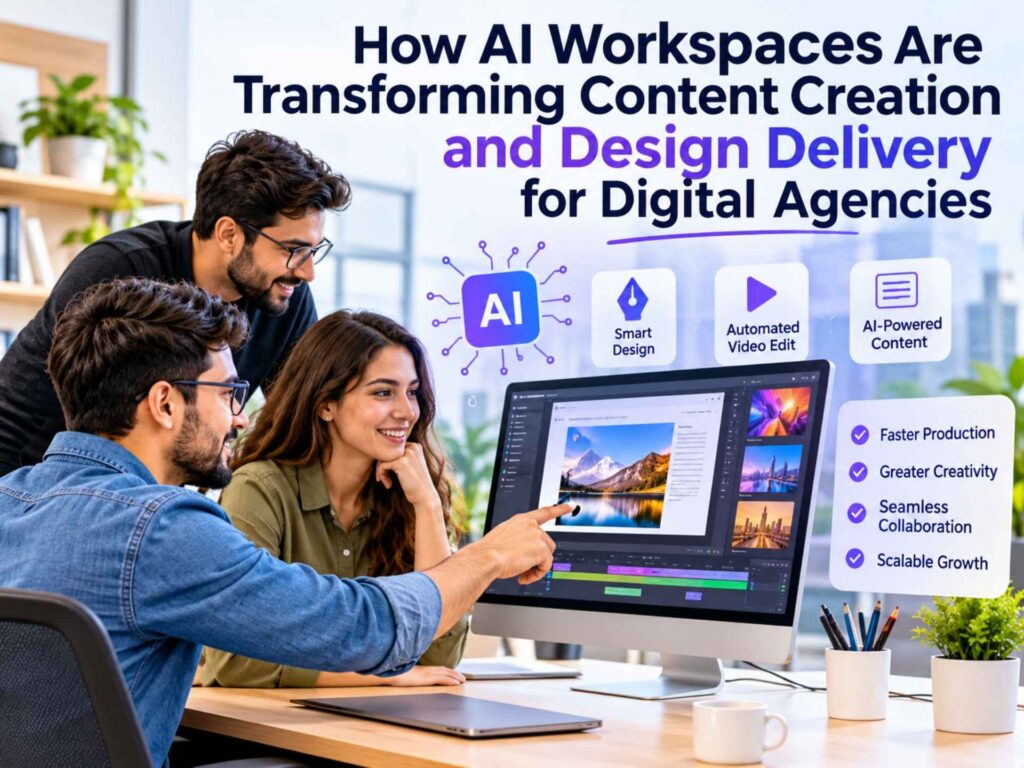
Most digital agencies aren’t short on ideas. They’re short on hours. A single client project can include a landing page, a blog post, a presentation, several social media graphics, and a launch video, all needed within the same deadline. Account managers promise quick delivery because clients expect fast results. However, the production team still has to work with different tools for writing, designing, creating presentations, and editing videos. Each tool has its own login, features to learn, and file formats to manage.
This is where AI for digital agencies can make a real difference. It is not just about trying new technology or following a trend. It helps agencies manage their workload, save time, and deliver more work without putting extra pressure on their teams.
The Limits of Running Content and Design Through Separate Tools
Anyone who has worked inside an agency knows the drill. A brief comes in, gets interpreted by a copywriter, handed to a designer, adjusted after client feedback, and then reformatted again for a different channel. Each handoff is a chance for scope, tone, or brand details to drift.
A few recurring pain points show up across almost every shop:
· Tool sprawl. Writers work in one app, designers in another, and slide decks get built in a third. Nothing talks to anything else.
· Slow first drafts. Blank-page time on a new blog post, ad concept, or presentation outline eats into hours that should go toward strategy and revisions.
· Formatting rework. Content approved in a doc often needs to be rebuilt from scratch for a deck or a social post, which means redoing work that was technically already finished.
· Inconsistent quality under deadline pressure. When five things are due Friday, something usually gets rushed, and it’s rarely the client-facing polish that suffers first, it’s the strategic thinking behind it.
None of this is new. What’s changed is that a newer category of tools is starting to close these gaps by putting writing, images, video, and slides inside a single connected workspace instead of five disconnected ones.
How an AI Workspace Changes the Day-to-Day Workflow
An AI workspace, in the way agencies are starting to use the term, isn’t a single-purpose generator. It’s a shared environment where a brief, a draft, an image set, and a slide deck can all live and evolve together, instead of being recreated at every stage of the pipeline.
The practical shift shows up in a few places:
Faster initial drafts. Instead of starting with a blank page, writers can use AI to create a first draft based on the brief, target audience, tone, and keywords. They can then review, edit, and improve the content to meet the client’s needs. This makes the writing process easier and faster than starting from scratch.
Less duplicated design work. AI image generation and AI design workflow tools let a team produce on-brand visuals for a blog post, an ad set, and a deck without briefing a separate designer for each asset.
Presentations built from existing content, rather than assembled slide by slide from a blank template.
One place to track a project, from the first outline to the final exported files, instead of chasing versions across five tabs.
This is where AI presentation tools and AI writing tools stop being separate line items and start functioning as one connected system.
From Client Brief to Finished Deliverable: A Practical Example
Here’s roughly how that plays out on a real assignment.
For example, a client may need a product one-pager, a blog post, a set of matching social media graphics, and a short presentation to share the campaign with their team. Normally, the agency would use different tools for each task and manage separate deadlines for all of them.
Using an all-in-one AI workspace, the workflow can look more like this: the brief goes into the writing tool first, where a draft comes back structured around the target keywords and audience. A run through a humanizer pass smooths out any stiff, obviously-generated phrasing before a human editor does a real edit pass, checking facts, adjusting tone, and cutting anything that reads generically.
From there, the same brief feeds an image generator for supporting visuals, so the graphics stay visually consistent with the article instead of being designed cold.
For the internal deck, a tool like Oreate AI lets a team turn that same source content into a slide outline directly, rather than starting a presentation from a blank canvas. In a quick test through Oreate’s PPT generation tool, pasting in the article’s key points produced a structured first draft, headings, bullet hierarchy, and a rough slide order, in a few minutes. It still needed manual cleanup: trimming slide copy, swapping a couple of stock visuals, and adjusting the flow for the specific audience. But starting from a structured draft instead of an empty deck saved a meaningful chunk of the build time.
That pattern, draft first, human edit second, is really the core of how these AI tools for digital agencies fit into existing production work. They don’t replace the editorial or design judgment. They remove the blank-page step that used to eat the first hour of every task.
What Changes for Speed, Quality, and Client Satisfaction
The most immediate change agencies report is turnaround time on first drafts, not final output. A blog post outline that used to take forty minutes to structure can be ready for editing in a few minutes. A rough slide deck that used to be a half-day task can be a starting point within the hour.
Quality is a more mixed picture, and it’s worth being honest about that. AI-generated drafts still need a real editorial pass. Claims need checking, tone needs adjusting for the specific client voice, and generic phrasing needs to be caught and rewritten. Agencies that treat the AI output as a finished product tend to see quality slip. Agencies that treat it as a fast first draft tend to see their editors spend more time on strategy and less time on mechanical drafting.
Client satisfaction tends to track two things: how quickly revisions come back, and how visually consistent the deliverables feel across formats. When the blog post, the social assets, and the deck all trace back to the same source brief instead of being rebuilt separately by different specialists, that consistency shows up naturally, and clients notice it even if they can’t quite articulate why.
Practical Advice for Agencies Considering an AI Workspace
A few things tend to separate teams that get real value from these tools from teams that end up frustrated:
1. Start with one workflow, not everything at once. Pick a recurring deliverable type, like blog-to-social conversion or brief-to-deck, and pilot it before rolling AI tools out agency-wide.
2. Keep a human editorial step non-negotiable. AI writing tools and humanizers speed up drafting, but they don’t replace fact-checking or brand voice review.
3. Write better briefs, not shorter ones. Vague prompts produce generic output. The more specific the input, audience, tone, structure, keywords, the better the first draft.
4. Track time saved on drafting, not just output volume. The real ROI usually shows up in freed-up hours for strategy and client work, not in raw content quantity.
5. Loop in designers and writers on tool selection. The people doing the daily work will spot workflow friction that leadership evaluating a demo won’t catch.
Agencies that treat an AI workspace as a productivity layer sitting underneath their existing editorial standards tend to get the most out of it. Agencies that treat it as a replacement for that editorial process tend to run into trouble with clients fairly quickly.
Conclusion
The pressure on digital agencies to produce more, across more formats, in less time isn’t going away. What’s shifted is that writing, image generation, video, and slide creation no longer have to live in five disconnected tools with five separate learning curves. An AI workspace won’t replace a strategist’s judgment or an editor’s eye, but it does remove a lot of the repetitive setup work that used to stand between a brief and a first draft.
If your team is unsure where to start, try one simple task first. For example, turn an existing blog post into a presentation using an AI workspace like Oreate AI. This is an easy, low-risk way to see whether the tool fits your team’s workflow and makes everyday tasks easier.
FAQs
Do AI workspace tools replace the need for a copywriter or designer?
No. They speed up the first-draft stage, but brand voice, fact-checking, and final creative judgment still need a human editor or designer reviewing the output before it goes to a client.
How much editing does AI-generated content typically need?
It varies by tool and brief quality, but most agencies still run a full editorial pass, checking accuracy, adjusting tone, and rewriting any generic-sounding sections, before content goes out the door.
Can an AI workspace handle brand-specific style guides?
Most tools work best when given a detailed brief that spells out tone, structure, and any brand terminology upfront. Results tend to drift from house style if the prompt is too vague.
Is it worth adopting an AI workspace for a small agency team?
Smaller teams often see the biggest relative time savings, since there’s less capacity to absorb repetitive drafting work. Piloting on one recurring deliverable type is usually the easiest way to test fit before a wider rollout.
What’s the difference between an AI workspace and a single-purpose AI writing tool?
A single-purpose tool typically handles one task, like article drafting. An AI workspace connects several functions, writing, images, video, and slides, so content built in one stage can carry through to the next without starting over.
Does using AI tools affect SEO performance?
Not inherently. Search engines care more about content quality, usefulness, and originality than how the first draft was written. What really matters is reviewing and improving the content, removing generic language, and adding real knowledge and experience. This is what helps content perform better in search results.