All-in-one printers earn their keep in a medium-sized office by folding printing, scanning, copying, and often faxing into a single networked device, which saves both desk space and the hassle of managing several separate machines. The best models balance running cost, print quality, and reliable networked scanning so documents actually make it into the right shared folder or inbox instead of sitting in a queue. Here are six all-in-one printers worth considering for a medium business in 2026.
HP OfficeJet Pro 9025e
HP’s OfficeJet Pro 9025e is built for office-level print volumes with fast duplex printing, automatic document feeding for scanning stacks of paper quickly, and HP’s Instant Ink subscription option for predictable ink costs. It handles a solid mix of text and color documents well, and HP’s smart app makes remote printing and mobile scanning straightforward for hybrid teams. The subscription ink model isn’t for everyone, but for offices that print consistently every month, it can smooth out an otherwise unpredictable supply cost.
Canon MAXIFY GX7020
Canon’s MAXIFY GX7020 uses a refillable ink tank system rather than traditional cartridges, which significantly lowers the cost per page for offices with moderate to high print volumes. It includes a large-capacity automatic document feeder for scanning and copying multi-page documents efficiently, along with networked connectivity for shared office use. The upfront cost is higher than a standard cartridge-based printer, but the ongoing savings on ink tend to offset that within the first year or two for a busy office.
Epson EcoTank Pro
Epson’s EcoTank Pro line extends the brand’s popular refillable ink tank technology into a business-oriented product with higher-capacity paper trays and faster print speeds suited to office use rather than home printing. Like Canon’s MAXIFY, the running cost advantage is the main draw, since ink bottles cost a fraction of what equivalent cartridges would over the same print volume. It’s a strong pick for offices that print heavily and want to reduce the supply-ordering hassle that comes with frequent cartridge replacement.
Brother INKvestment Tank
Brother’s INKvestment Tank series bundles high-yield ink cartridges designed to last up to a year or more in typical office use, reducing how often anyone needs to think about ordering supplies. It includes standard business features like automatic duplex printing, a document feeder, and networked scanning to email or a shared drive. It sits at a more moderate price point than some of the tank-refill competitors above, making it a reasonable middle-ground option for smaller medium-sized offices.
Lexmark MB2236adw
Lexmark’s MB2236adw is a monochrome laser all-in-one aimed at offices that print primarily text documents and don’t need color output, which keeps both the machine’s cost and its running cost lower than color-capable alternatives. It includes wireless and wired networking, automatic duplex printing, and a document feeder for scanning contracts, invoices, or other paperwork common in administrative office work. For businesses that rarely need color printing, skipping it entirely in favor of a monochrome unit like this one can meaningfully cut long-term costs.
Xerox WorkCentre
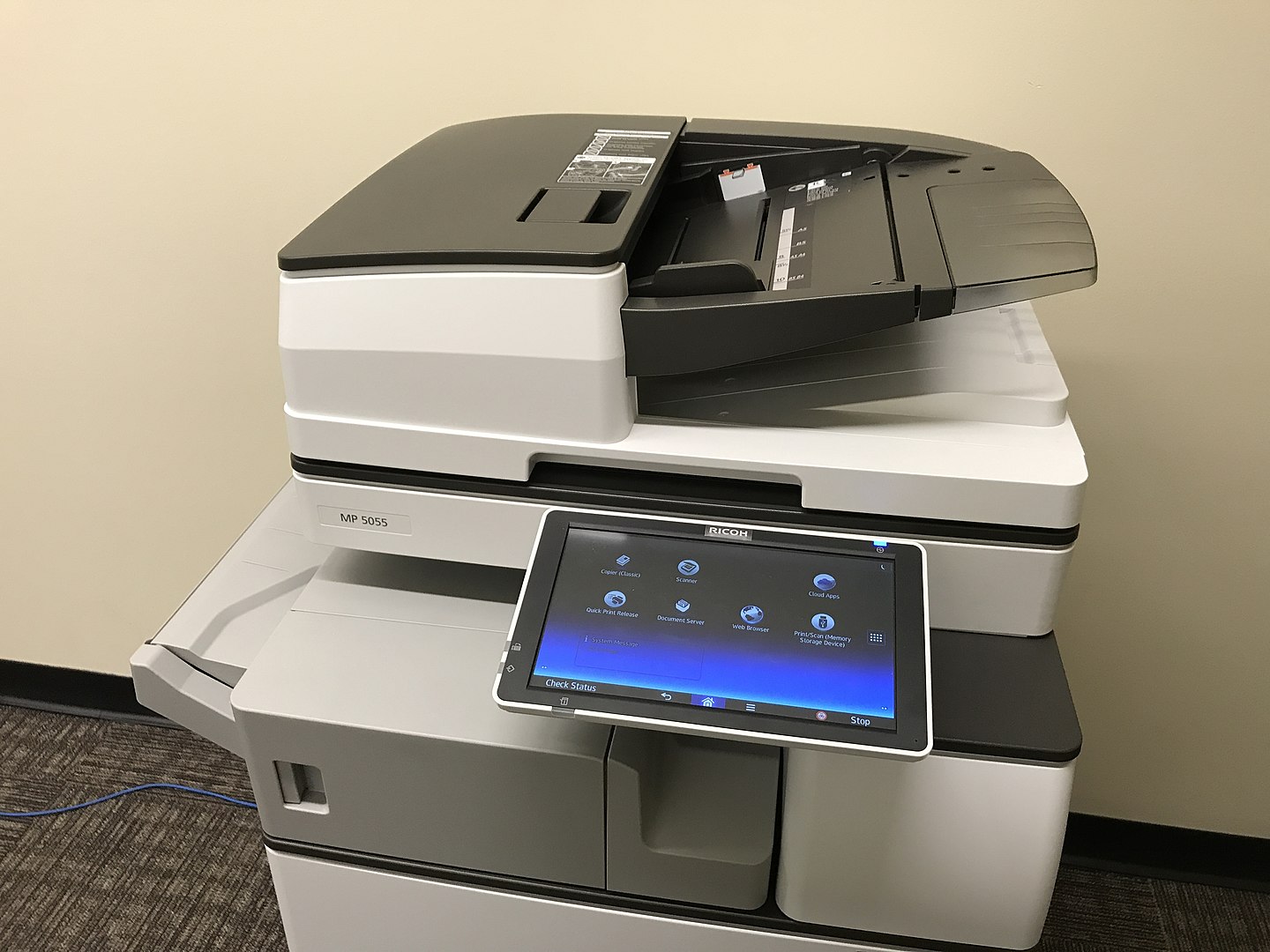
Xerox’s WorkCentre series offers a wide range of all-in-one configurations, from smaller desktop units to higher-volume floor-standing machines, giving medium businesses room to scale as their printing needs grow without switching vendors. Xerox’s app-based customization lets IT teams tailor the touchscreen interface to common workflows, like scanning directly into a document management system. It’s a dependable, flexible option for offices that expect their printing needs to change over the next few years.
If running cost is the top priority, Canon’s MAXIFY GX7020 and Epson’s EcoTank Pro both use refillable tanks that cut ink spending significantly over time. Brother’s INKvestment Tank and HP’s OfficeJet Pro 9025e strike a reasonable middle ground for offices with moderate print volumes, while Lexmark’s MB2236adw is worth considering if your office rarely needs color. Xerox’s WorkCentre line is the most flexible option if you expect your printing needs to grow. A reliable printer is one more piece of a well-run office — see our guide on office refurbishment tips and our piece on how an ergonomic chair can improve productivity for more ways to improve your workplace this year.