A good printer is one of those home office purchases people put off until they desperately need it, usually the night before a big meeting. The right choice depends less on brand loyalty and more on how you actually work: heavy scanning and copying, occasional color photo output, or mostly quick black-and-white text jobs. Below are seven printers that consistently show up as strong picks for home offices in 2026, along with what makes each one worth considering.
Brother HL-L2395DW
Brother’s monochrome laser lineup remains a favorite for home offices that print mostly text documents, contracts, and invoices. The HL-L2395DW pairs a laser engine with built-in scanning and copying, so it doubles as a compact all-in-one without the ongoing cost of inkjet cartridges. Brother’s toner cartridges last a long time relative to their price, which keeps the cost per page low for anyone printing daily. Wireless setup and mobile printing are straightforward, and the duplex (double-sided) printing helps cut paper use.
HP OfficeJet Pro 9025e
HP’s OfficeJet Pro line targets home offices that need color output alongside everyday documents, think client proposals, charts, or the occasional marketing flyer. The 9025e includes automatic duplex printing, a document feeder for scanning multi-page files, and HP’s Smart App for printing from a phone or tablet. HP also offers an optional ink subscription service that can lower the effective cost per page for people who print frequently, though it’s worth comparing against buying cartridges outright depending on your volume.
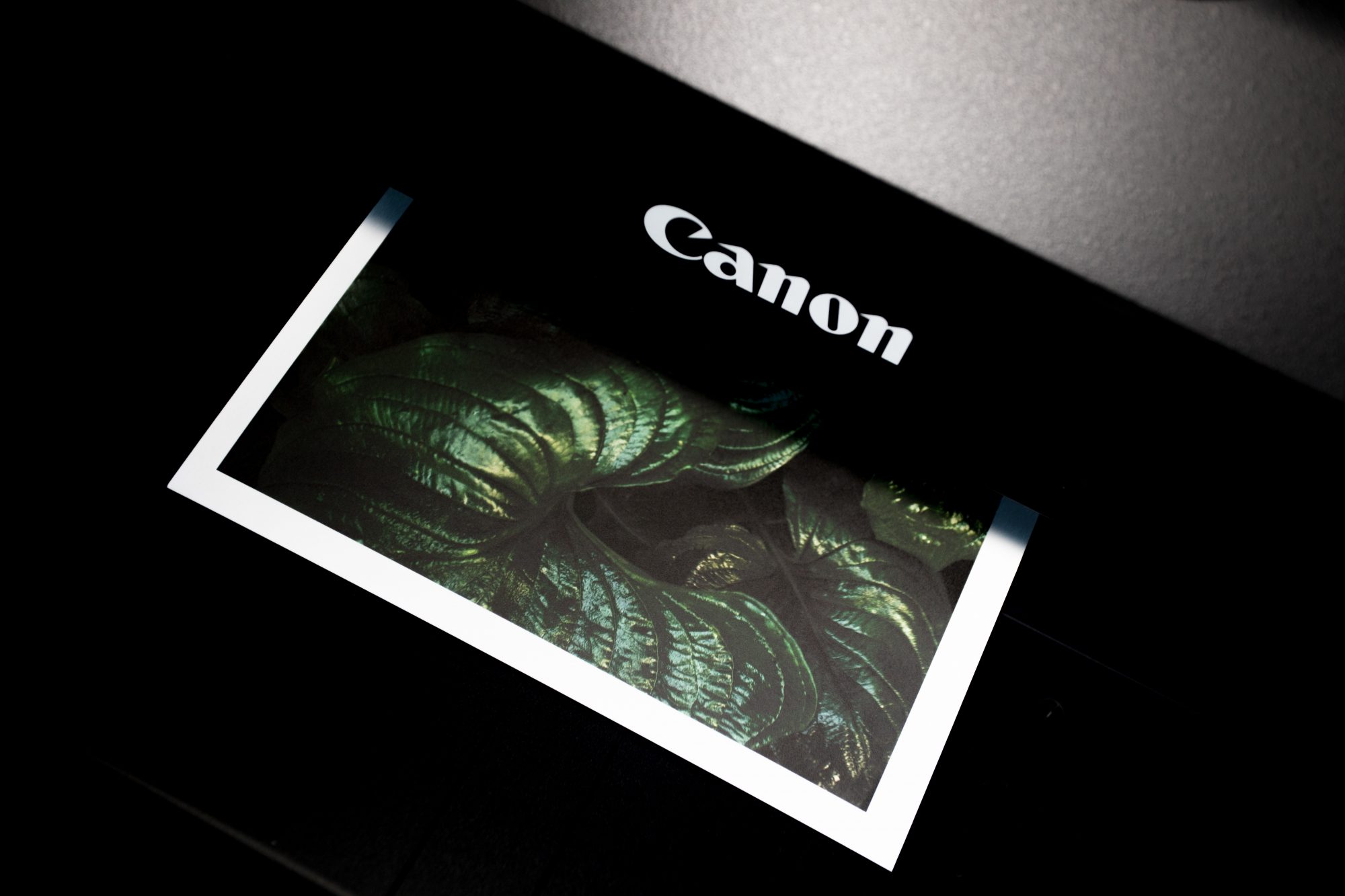
Canon PIXMA TR8620a
Canon’s PIXMA series is a solid middle ground for home offices that split their printing between documents and photos. The TR8620a includes a scanner, copier, and fax, along with decent photo quality thanks to Canon’s long history in imaging. It’s a reasonable pick for freelancers or small business owners who occasionally need to print portfolio pieces, product photos, or presentation materials without stepping down to a dedicated photo printer.
Epson EcoTank ET-4850
Epson’s EcoTank line replaced traditional ink cartridges with refillable ink tanks, which dramatically lowers the long-run cost of printing for anyone with moderate to high volume. The ET-4850 is an all-in-one with scanning and faxing, and because the tanks hold enough ink for thousands of pages, it’s popular with home offices that were previously frustrated by how quickly standard inkjet cartridges run dry. The upfront cost is higher than a comparable cartridge-based printer, but it tends to pay for itself over time for regular users.
HP LaserJet Pro M15w
For a home office that only needs basic black-and-white printing without scanning or copying, the HP LaserJet Pro M15w is about as compact and simple as it gets. It’s a single-function laser printer, small enough to tuck onto a shelf, with wireless printing support. It’s a good fit for anyone who mainly needs to print shipping labels, forms, or short documents and doesn’t want to pay for features they won’t use.
Canon imageCLASS MF264dw
Canon’s imageCLASS series is aimed at small offices and home offices that want a monochrome laser all-in-one with a bit more capability than an entry-level model. The MF264dw includes scanning, copying, and faxing, along with a document feeder, which makes it useful for anyone regularly digitizing paperwork. It’s a practical option for consultants, accountants, or anyone dealing with a steady stream of paper documents.
How to Choose the Right Printer for Your Home Office
Start with what you actually print. If it’s mostly text, a monochrome laser printer like the Brother HL-L2395DW or HP LaserJet Pro M15w will save money over time compared to inkjet cartridges. If you need color for client-facing work, look at the HP OfficeJet Pro or Canon PIXMA lines. And if your print volume is high enough that cartridge costs are adding up, an ink-tank printer like the Epson EcoTank series is worth the higher upfront price. Whichever you choose, prioritize wireless connectivity and mobile app support, since most home offices now print from a mix of laptops, phones, and tablets. For more home office equipment guidance, see our picks for the best Bluetooth speakers for your office and the most comfortable small office chairs.