An ergonomic mouse rarely gets attention until wrist or forearm pain sets in, and by then it’s overdue. A well-designed mouse supports a more natural hand position and reduces the repetitive strain that builds up over a full workday of clicking and scrolling. Here are five brands making ergonomic mice worth switching to in 2026.
Logitech
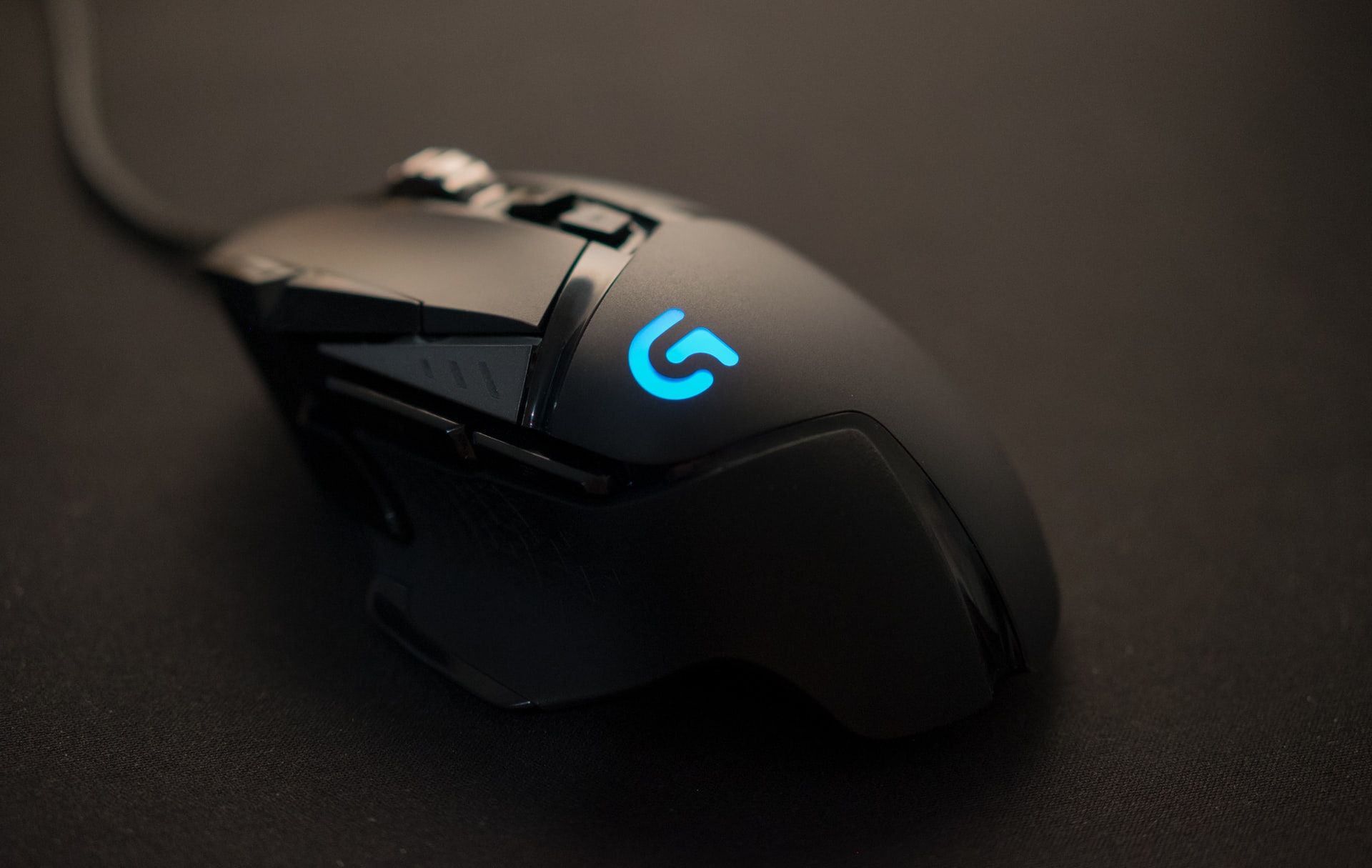
Logitech’s MX Vertical and Lift lines lead the ergonomic mouse category for good reason: the vertical grip angle reduces forearm rotation, and both models pair reliably over Bluetooth or a USB receiver. The MX Master series adds programmable buttons and a high-precision scroll wheel for anyone who wants ergonomics without giving up productivity features.
Microsoft
Microsoft’s Sculpt Ergonomic and Surface Ergonomic mice were early, well-reviewed entries in the category, and the design DNA carries through to newer models. Microsoft’s ergonomic mice tend to favor a lower profile than Logitech’s vertical designs, which some users find is an easier transition from a standard mouse.
Razer
Razer is best known for gaming mice, but models like the Pro Click bring ergonomic shaping and a quiet click mechanism to an office-appropriate design. The higher-end sensors Razer builds for gaming translate into precise, responsive tracking that’s a genuine upgrade for detail-heavy office work like design or spreadsheets.
Anker
Anker’s vertical ergonomic mice offer much of the same wrist-friendly angle as premium options at a noticeably lower price. They’re a practical choice for anyone who wants to try an ergonomic mouse without committing to a higher-end model right away, and Anker’s reputation for reliable electronics holds up well here.
HP
HP’s ergonomic mice are frequently bundled with its business laptops and desktops, and the standalone versions offer a solid, no-frills option for offices standardizing on a single brand. They won’t win on extra features, but the consistent build quality and wide availability make procurement simple for IT departments.
How to choose the right ergonomic mouse
If wrist strain is a real concern, Logitech’s MX Vertical and Anker’s budget-friendly alternatives both offer a genuine angle change from a standard mouse. Pair it with the right seat — see our picks for the best office chairs for computer work in 2026 — and if you’re planning a bigger desk setup overhaul, our guide to a stress-free office refurbishment covers the essentials.
Do ergonomic mice actually reduce wrist pain?
Many users find that a vertical or angled ergonomic mouse reduces forearm rotation and wrist strain compared to a standard mouse, though individual results vary and proper desk setup matters too.
What is the difference between a vertical mouse and a regular ergonomic mouse?
A vertical mouse, like Logitech’s MX Vertical, positions the hand in a handshake-like grip to reduce forearm rotation, while other ergonomic mice simply contour to the hand’s natural resting shape.
Is it hard to switch to an ergonomic mouse?
There is usually a short adjustment period of a few days to a couple of weeks, especially with vertical designs, but most users adapt quickly and don’t want to go back.
Are budget ergonomic mice as good as premium ones?
Budget options like Anker’s vertical mice offer similar ergonomic shaping to premium brands, though premium models from Logitech often add extra programmable buttons and more refined sensors.