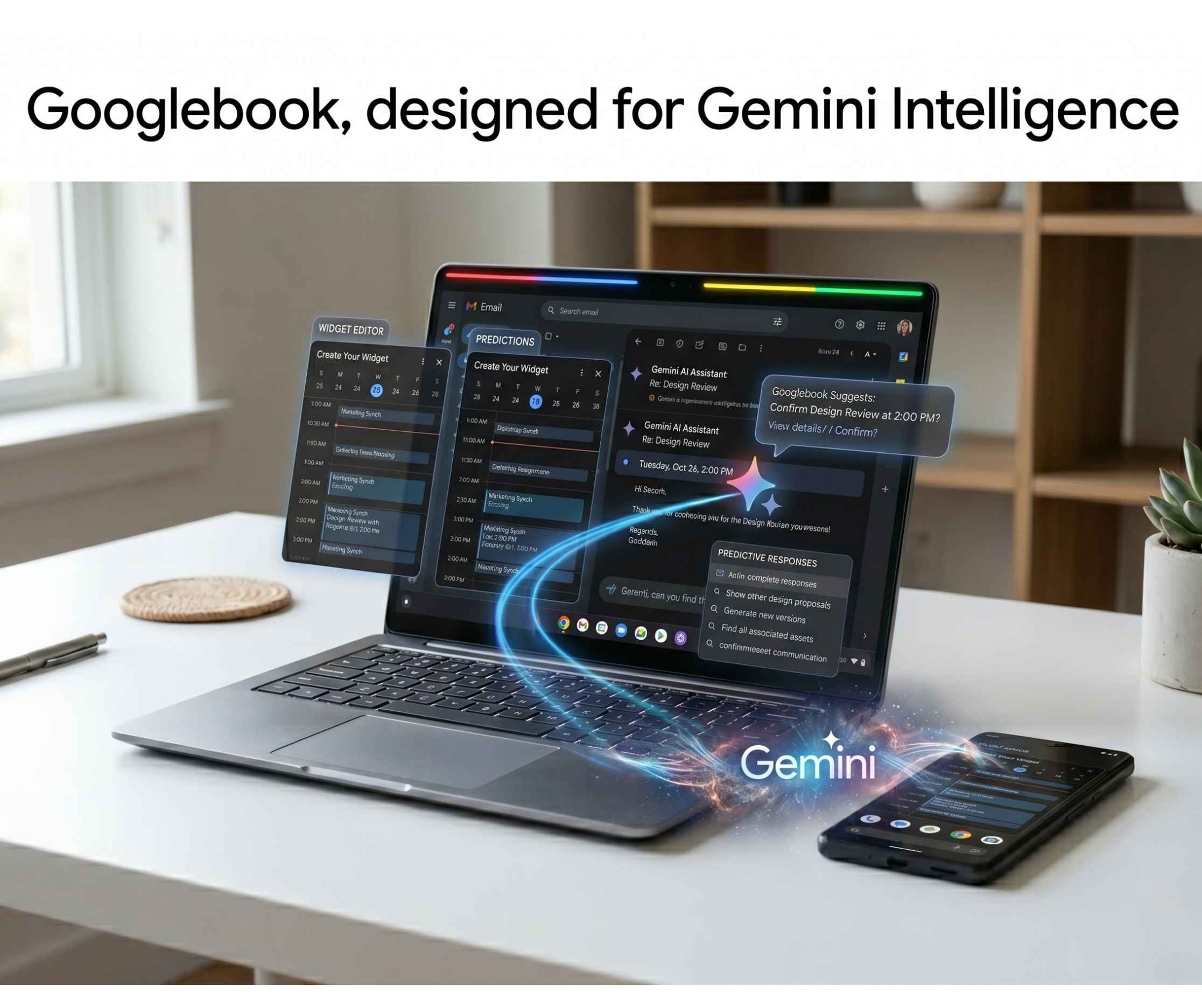
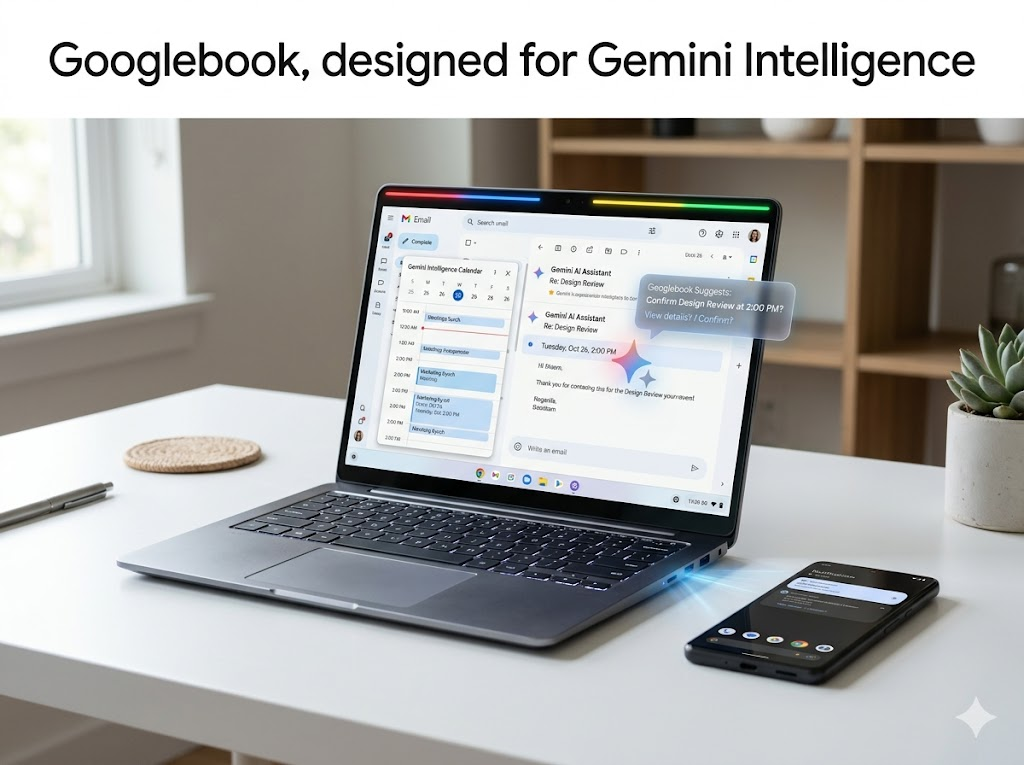
Google has officially unveiled Googlebook, a brand new category of laptops built from the ground up for Gemini Intelligence. Announced on May 12, 2026, Googlebook is not a Chromebook successor but an entirely new platform that merges Android technology with laptop computing, and it is coming to market this fall.
What Is Googlebook?
Googlebook is Google’s answer to the next era of computing. Where Chromebook was built for a cloud-first world 15 years ago, Googlebook is built for what Google calls an intelligence system, moving beyond a traditional operating system entirely.
The platform combines the best of Android, including Google Play apps and a modern AI-ready OS, with the browsing power of ChromeOS. The result is a laptop designed around Gemini at every layer, not just as an add-on feature.
Google has not officially named the operating system yet. It was codenamed Aluminium OS internally. What is confirmed is that Googlebook is the platform name, and it runs on both ARM and x86 architectures.
Magic Pointer: The Cursor Gets Its First Real Upgrade in Decades
The cursor has not meaningfully changed since the right-click was introduced. Google is changing that with Magic Pointer, and it is the most talked-about feature on Googlebook.
Built in collaboration with Google DeepMind, Magic Pointer brings Gemini directly to your fingertips. Wiggle the cursor over anything on screen and it comes alive with contextual suggestions based on exactly what you are pointing at.
Point at a date inside an email and Gemini instantly offers to set up a calendar meeting. Select two images, such as your living room and a new couch you are considering, and Gemini visualizes them together so you can see how they look before buying.
The goal is to shrink the gap between idea and action. Instead of switching apps, opening new tabs, or copying text into a chat window, you stay exactly where you are and let the pointer do the work. Google describes this as going from idea to done in just a few clicks.
Magic Pointer is a Googlebook-exclusive feature. It is not part of Android desktop mode and was purpose-built for this platform.
Create Your Widget: Your Desktop Becomes a Personal Dashboard
Googlebook introduces Create Your Widget, which lets users build fully custom desktop widgets using nothing but a text prompt.
Gemini powers the widget creation from end to end. It can search the internet for live information or connect directly to your Google apps including Gmail and Calendar to pull in personalised data.
The example Google gives is a family reunion in Berlin. Instead of juggling multiple tabs, you ask Gemini to create a single widget that organises your flight details, hotel bookings, restaurant reservations, and a live countdown to the trip, all sitting together on your desktop.
Every widget is unique to the user and updates dynamically. There is no template to fill in and no app to download. You describe what you need and Gemini builds it.
This feature is also coming to Android 17, so it will be available across phones and Googlebooks at the same time, keeping your experience consistent across devices.
Cast My Apps: Your Phone Apps Live on Your Laptop
One of the most practical features on Googlebook is Cast My Apps, which lets you open Android phone apps directly on your laptop screen without installing them.
The use case is simple and immediate. If you are deep in a work session and get hungry, you tap a food delivery app on your Googlebook, place the order, and get straight back to what you were doing. If a Duolingo reminder pops up for your daily language lesson, you can finish it without ever leaving your screen.
There is no setup friction. The apps appear as if they are native to the laptop. This is made possible because Googlebook is built on Android technology, allowing a much deeper level of phone-to-laptop continuity than anything previously possible on Chromebook.
Quick Access: Your Phone Storage Becomes Laptop Storage
Quick Access bridges the file gap between your phone and your Googlebook completely.
Instead of airdropping files, emailing yourself attachments, or using a USB cable, Quick Access makes your phone’s storage available directly inside the Googlebook file browser. You can view, search, and insert photos, documents, and files from your phone as if they are saved locally on the laptop.
No transfers. No syncing required. The files are simply there when you need them.
For photographers, content creators, and anyone who shoots on their phone and edits on a laptop, this removes one of the most persistent friction points in a multi-device workflow.
Desktop-Grade Apps via Google Play
One of the biggest frustrations with Chromebook was that Android apps felt limited on a larger screen. Googlebook resolves this by treating apps as first-class citizens with full access to hardware and the OS.
Google is working with developers to bring genuine desktop versions of their Android apps to Googlebook. These are not phone apps stretched to fit a bigger display. They are purpose-built desktop experiences that take advantage of the full screen, keyboard, trackpad, and hardware capabilities of the laptop.
Chrome itself will have a Googlebook-native desktop version. Kuscher confirmed that many apps will have desktop versions built specifically for the platform, rethinking what an app experience should look like rather than simply porting what exists on Windows or Mac.
The Glowbar: Hardware Identity
Every Googlebook across every manufacturer will be identifiable by one design element: the glowbar.
The glowbar is an LED strip on the lid that glows in the classic Google colours. It faces outward when the laptop is open, making it visible to anyone in the room. Google deliberately chose not to plaster logos or brand names across the device, using the glowbar instead as both a brand signal and a functional feature.
Kuscher confirmed the glowbar has built-in Easter eggs and additional functions beyond its signature colour display. Full details will be revealed closer to launch.
What About Chromebooks?
Chromebooks are not going anywhere. Google confirmed continued investment in the platform, with new models on the way and software updates extending up to 10 years for existing devices.
Googlebook is a different product targeting a different buyer, one who wants a premium AI-native laptop experience rather than an affordable education or enterprise device.
Fall 2026 Launch
Google is partnering with Acer, ASUS, Dell, HP, and Lenovo to produce the first Googlebooks. Pricing and exact release dates have not been confirmed. More details are expected later this year. A notification signup is live at googlebook.com.
The AI PC race just added a serious new player.